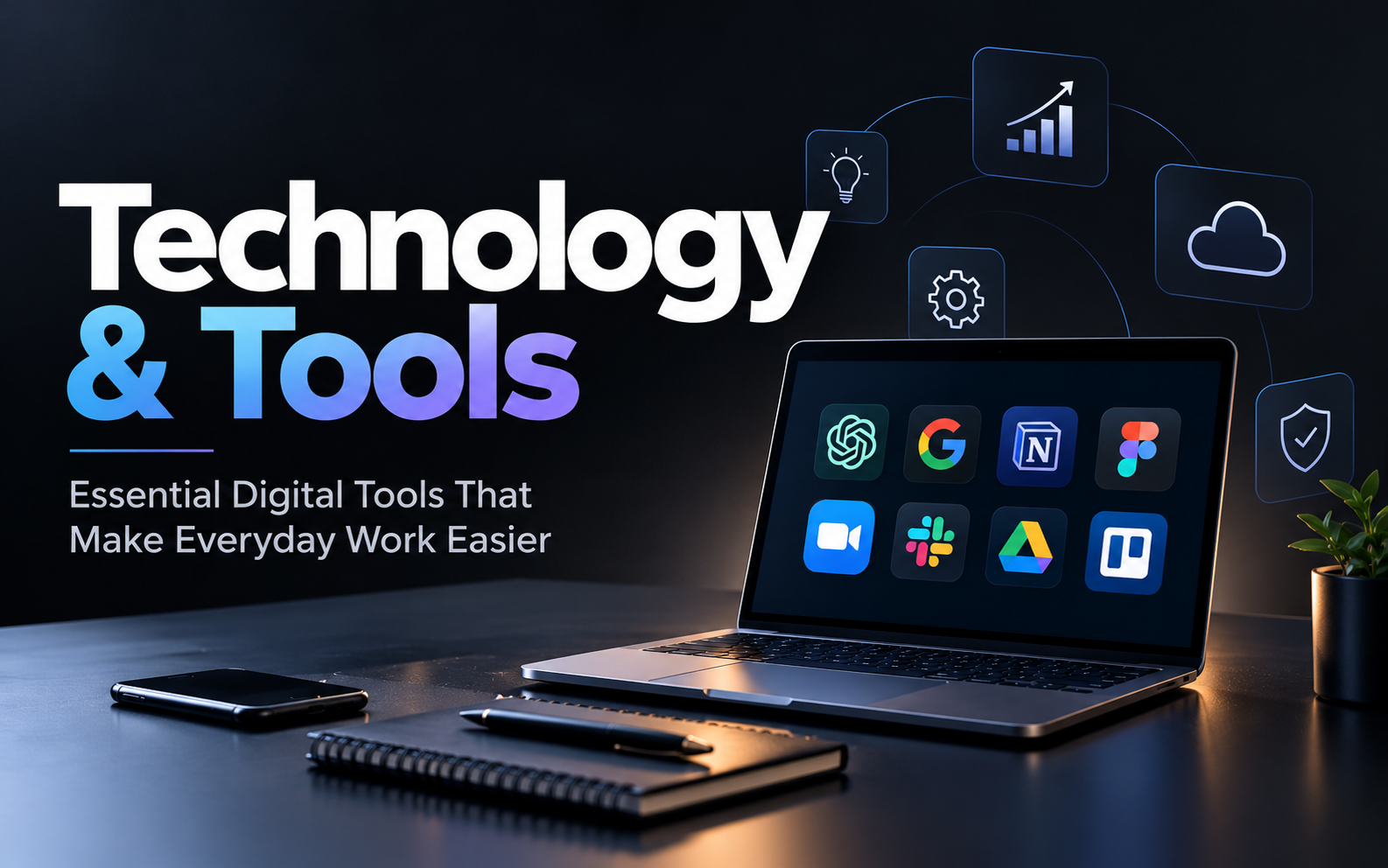
Technology & Tools: Essential Digital Tools That Make Everyday Work Easier
Technology & Tools: A Practical Guide to Productivity, AI, and Digital Solutions
Think about how much of your day involves technology. You might check emails before breakfast, attend an online meeting, edit a document, pay a bill, or use an app to find your way somewhere new. These activities have become ordinary parts of life, yet the tools behind them continue to change how we work, learn, and communicate.
The challenge is choosing tools that genuinely help. With new apps, software platforms, and artificial intelligence features appearing all the time, it is easy to end up with too many subscriptions and more notifications than you can handle. A few carefully chosen tools can often do a better job than a collection of applications you rarely use.
1. Productivity Tools That Help You Get More Done
Have you ever finished a busy day and wondered where all your time went? Messages, meetings, small requests, and forgotten tasks can quickly fill a schedule.
Productivity tools help you organise these responsibilities in one place. Applications such as Google Calendar, Microsoft To Do, Trello, and Notion can help users schedule appointments, create task lists, track projects, and store useful information.
For example, a student might use a calendar to remember examination dates, while a small business owner could use a task board to track customer orders and pending payments. A freelancer may keep project deadlines and client notes together instead of searching through old messages.
Start with one tool that solves a problem you face regularly. If you frequently forget appointments, try a calendar. If projects feel disorganised, use a task manager. Give the tool time to become part of your routine before adding another one.
2. AI Tools Are Changing the Way People Work
Artificial intelligence has become part of everyday software. People now use AI assistants to brainstorm ideas, summarise lengthy documents, draft emails, explain unfamiliar topics, and help with repetitive work.
Tools such as ChatGPT, Microsoft Copilot, and Google Gemini offer different features depending on the product, plan, and connected services. They can be useful when you need a starting point for an article, want to organise a list of ideas, or need a complicated concept explained in simpler language.
Imagine running a small online shop. You could use an AI assistant to brainstorm product descriptions, prepare a content calendar, or outline answers to common customer questions. You would still need to check product details, prices, policies, and the final wording before publishing anything.
AI can also make mistakes. Check important facts, avoid entering confidential information into services without understanding their data policies, and use human judgement for decisions involving money, health, legal matters, or personal information.
3. Communication Tools for Teams and Remote Work
Workplaces often bring together people who live in different cities or work on different schedules. Digital communication tools make it easier to exchange information without being in the same room.
Platforms such as Zoom, Google Meet, Microsoft Teams, and Slack support different kinds of communication, including video meetings, messaging, file sharing, and team discussions.
These tools are useful for remote teams, online classes, client presentations, and businesses working with people in multiple locations.
Good communication still requires clear habits. Write descriptive message subjects, share relevant files, record decisions in an agreed location, and avoid scheduling meetings when a short message will do. When teams establish these habits, communication software becomes easier to manage.
4. Design and Content Creation Made Simpler
Creating professional-looking content used to require specialised software and considerable design experience. Today, many tools make it easier for beginners to create graphics, presentations, short videos, and social media posts.
Canva offers templates for posters, presentations, and marketing materials. Adobe Express supports accessible graphic and content creation, while video editors such as CapCut provide tools for editing short-form videos where available.
These applications can help students prepare presentations, creators produce social media content, and small businesses design promotional materials.
Templates are a convenient starting point, but customising them matters. Use readable fonts, keep colours consistent, check spelling, and make sure images and music are licensed for your intended use. A simple, clear design often communicates better than a graphic crowded with effects.
5. Cloud Storage and File Management
Important documents can quickly become scattered across phones, laptops, email attachments, and messaging applications. Cloud storage helps users keep files organised and access them across supported devices.
Services such as Google Drive, Microsoft OneDrive, and Dropbox offer options for storing and sharing files. Depending on the service and account, users may also collaborate on documents or restore earlier versions.
For everyday use, create a straightforward folder structure. Keep work documents separate from personal files, use meaningful file names, and remove duplicates when they are no longer needed.
Cloud storage is not a complete backup strategy by itself. Accidental deletion, account problems, and synchronisation mistakes can still affect files. Keep an additional backup of important information and enable suitable account security measures.
6. Cybersecurity Tools Everyone Should Understand
As more personal and professional activities move online, protecting digital accounts becomes increasingly important. A stolen password or a convincing phishing message can create serious problems.
Password managers can help generate and store unique passwords for different accounts. Multi-factor authentication adds another layer of protection, while reputable security software can help detect certain threats.
It is also worth learning how to recognise suspicious links, unexpected attachments, fake login pages, and messages that pressure you to act immediately.
Keep your operating system, browser, and applications updated. Download software from trusted sources, review app permissions, and secure important accounts with recovery options.
No security tool can eliminate every risk. Combining reliable software with careful online habits provides a stronger defence than relying on a single application.
7. How to Choose the Right Technology Tools
Before downloading another app, take a moment to identify what you actually need. A tool should solve a problem or make an existing task easier.
Consider these factors before choosing:
Purpose: Decide which task you want to improve before comparing products.
Cost: Review free-plan limits, subscription fees, and additional charges.
Ease of use: A tool that is difficult to maintain may not suit your routine.
Privacy: Understand what information the service collects and how it handles your data.
Compatibility: Make sure it works with your devices and the other software you use.
Testing: Try a free version or trial when available and check whether it solves your problem.
There is no universal list of perfect applications. The best choice depends on your work, budget, technical comfort, and privacy requirements.
8. Avoid Digital Overload
Technology is supposed to make life more manageable, but too many tools can have the opposite effect. Constant notifications interrupt concentration, multiple task lists create confusion, and switching between applications wastes time.
Review the tools you already use. Turn off unnecessary notifications, unsubscribe from services you no longer need, and choose a main location for important tasks and documents.
You can also set aside focused periods for work without messaging interruptions. For tasks that require concentration, closing unrelated browser tabs may be more useful than installing another productivity application.
Every few months, review whether your digital setup still meets your needs. Remove tools that create more work than they save.
Conclusion: Make Technology Work for You
Technology and digital tools have become part of how we study, work, communicate, and manage everyday responsibilities. Productivity apps can organise a busy schedule, AI assistants can help with early drafts and research, design software can support creative projects, and security tools can help protect important accounts.
The trick is to choose carefully. Start with a real need, test a suitable tool, and keep using it only if it makes your work easier or more reliable. Pay attention to privacy, recurring costs, and the time you spend managing your digital setup.
You do not need every new app or the most expensive subscription to benefit from technology. A small collection of useful, well-understood tools can support a more organised digital life and leave you with more time for the work that matters.
Disclaimer: Features, prices, availability, and privacy terms can change. Check each provider's official website before choosing a service. This article is intended for general informational purposes.

Comments (0)
No comments yet. Be the first to comment below!
Leave a Comment
Your email address will not be published. Required fields are marked *